55
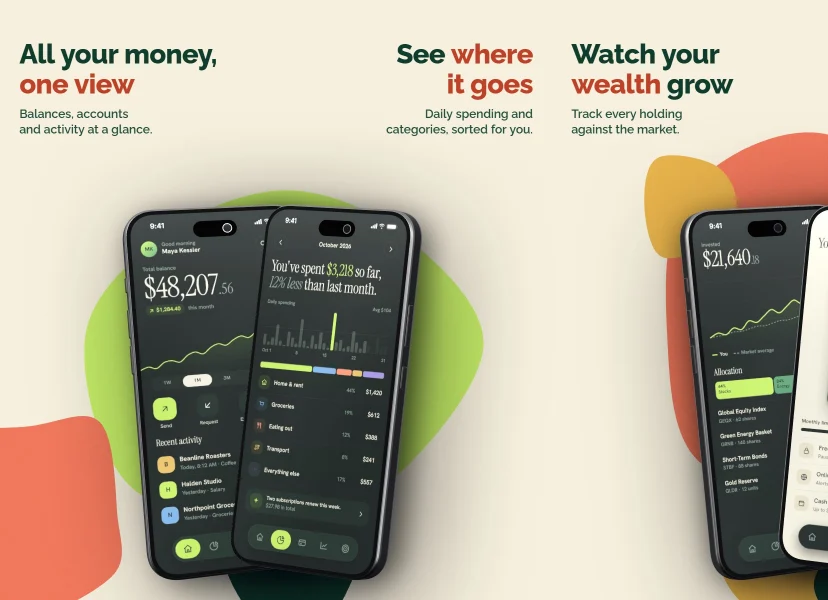
store sizes, from a 4.7" iPhone to the Google Play feature graphic. Each outline below is one of them, to scale.
App Store & Google Play screenshots · now with iPhone 18 Pro and iPhone Duo
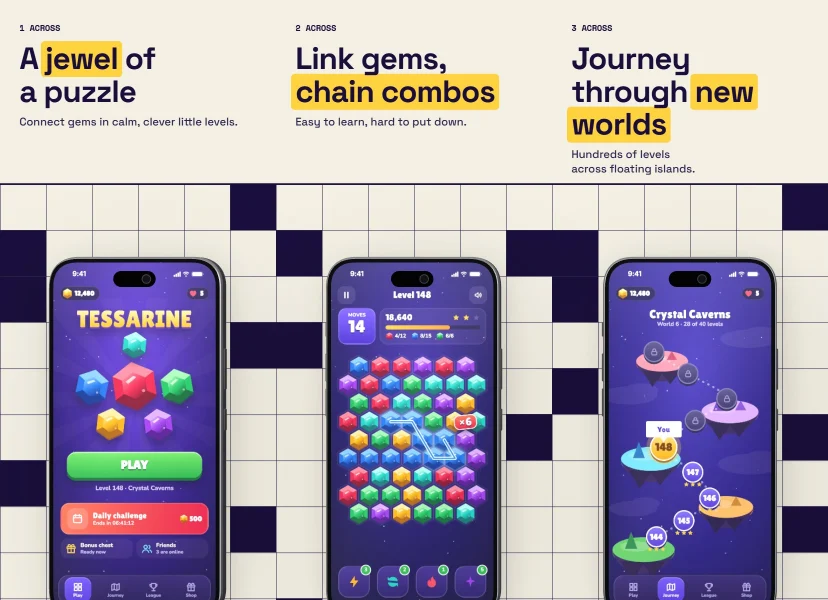
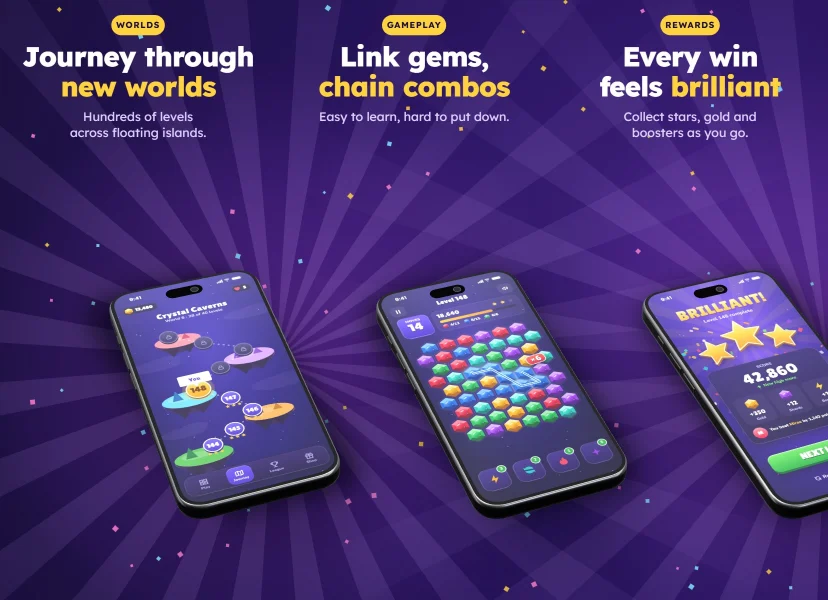
Design one continuous panorama with real 3D phones, check it against store rules, and export every required size in a single ZIP.
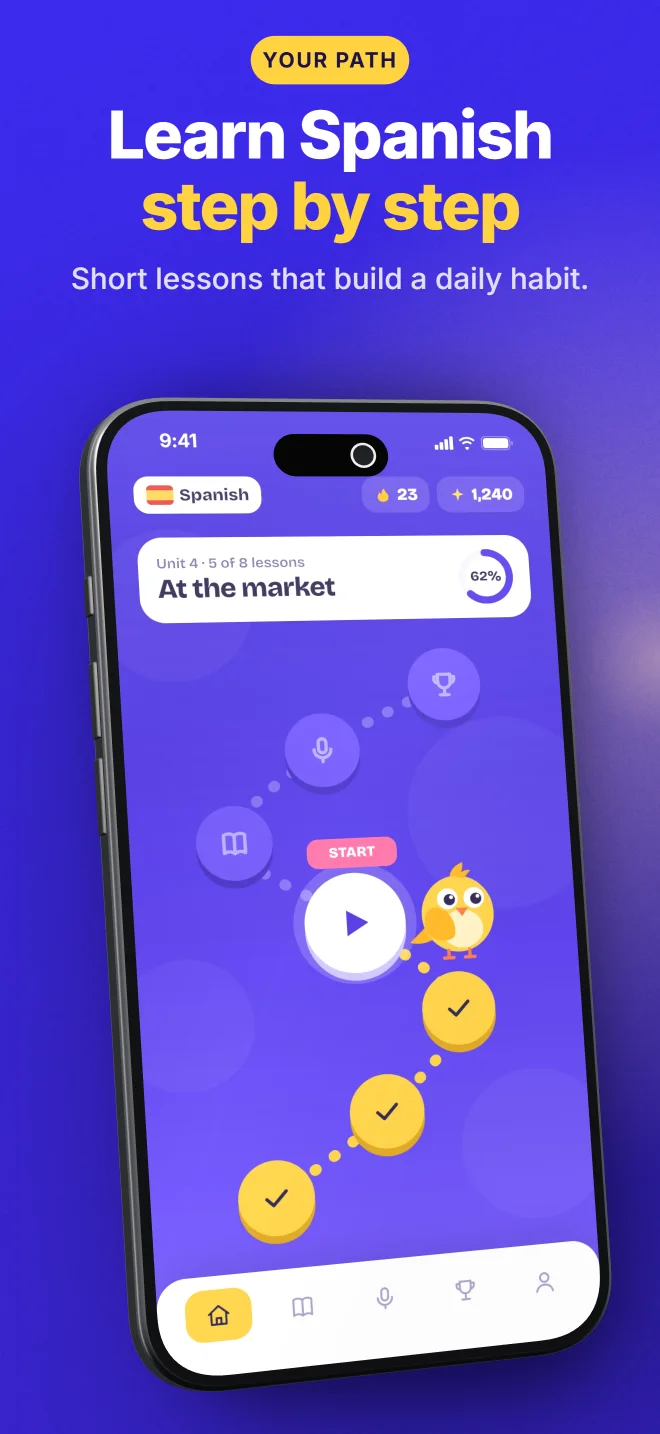
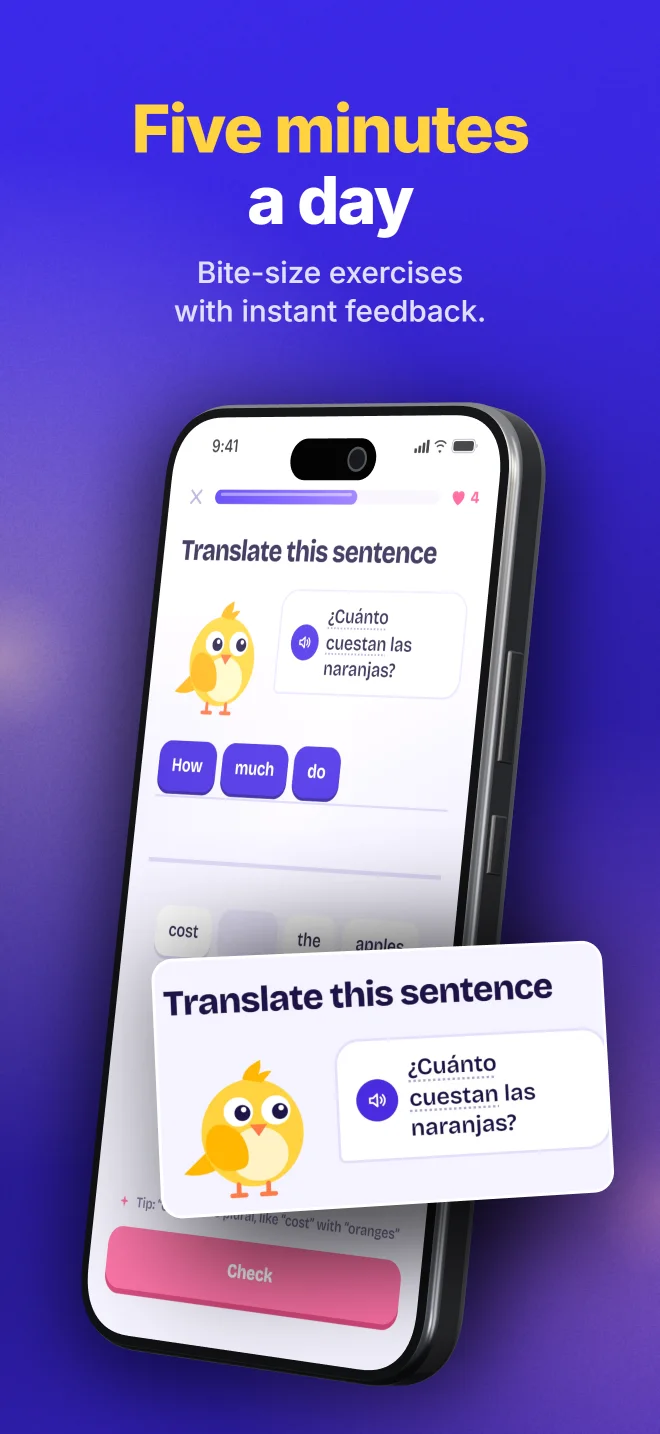
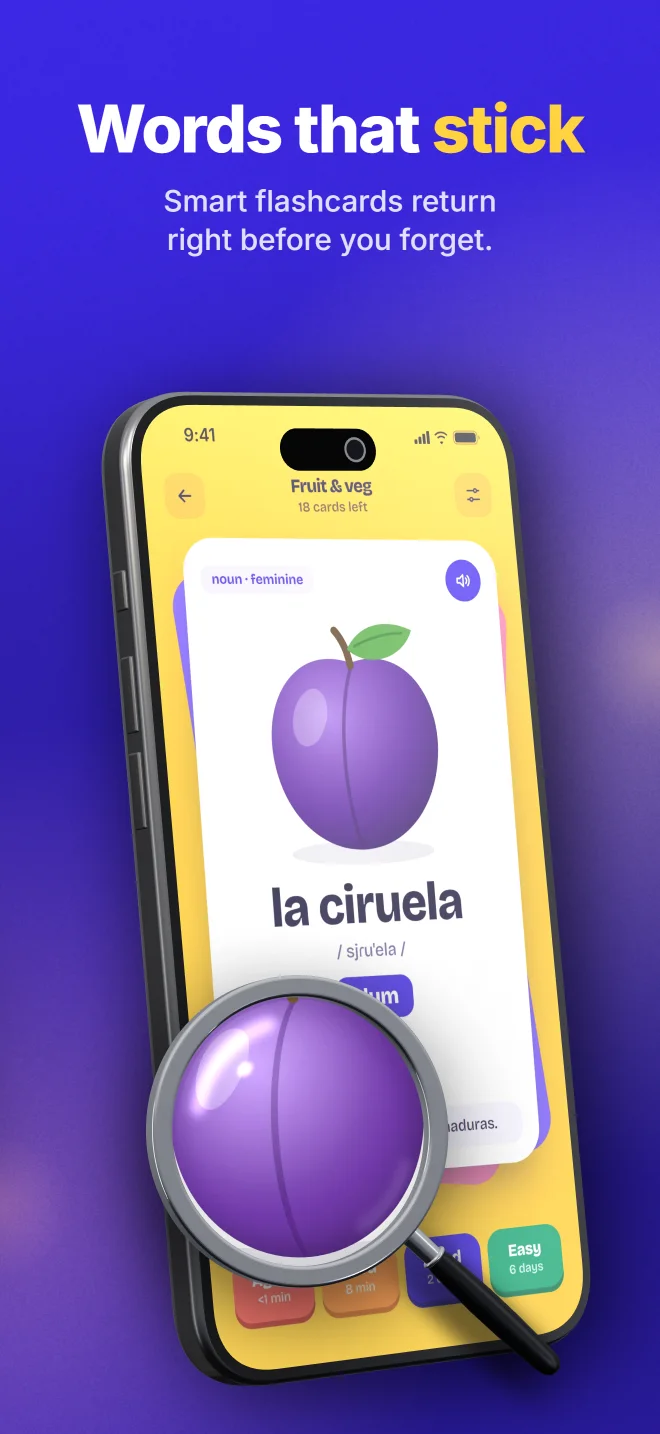
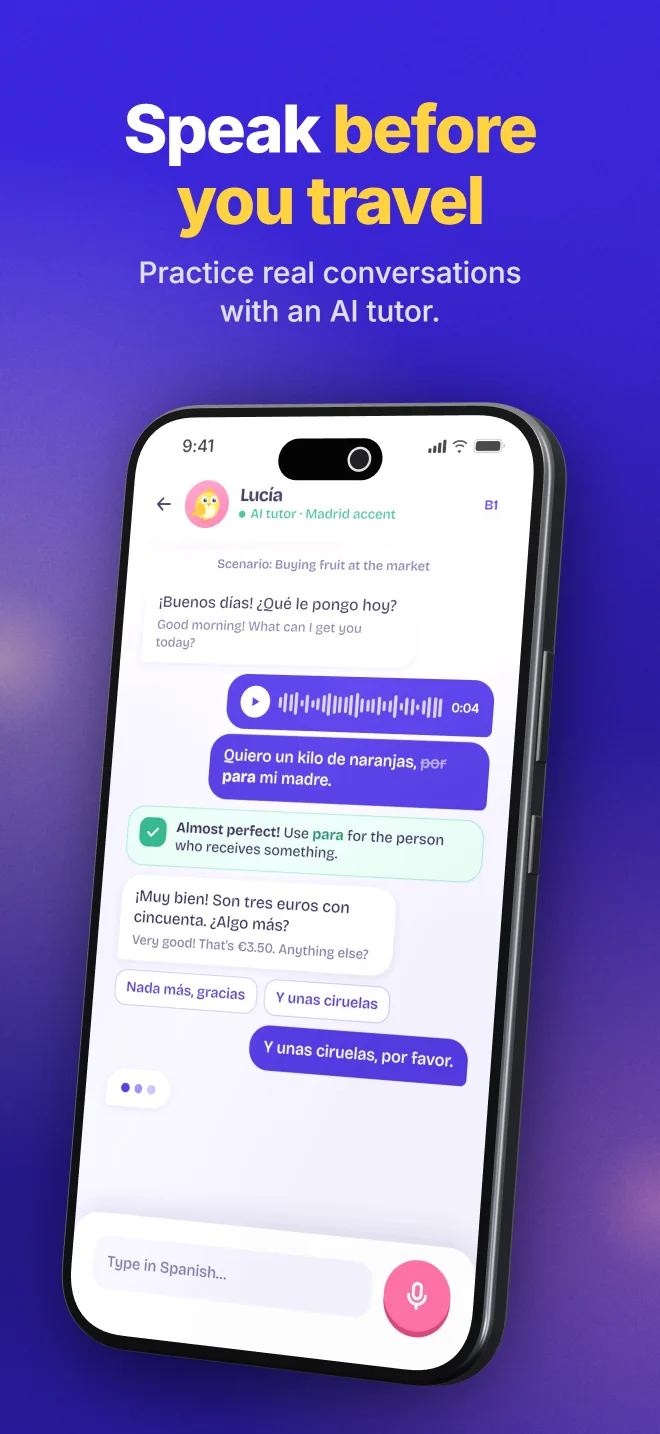
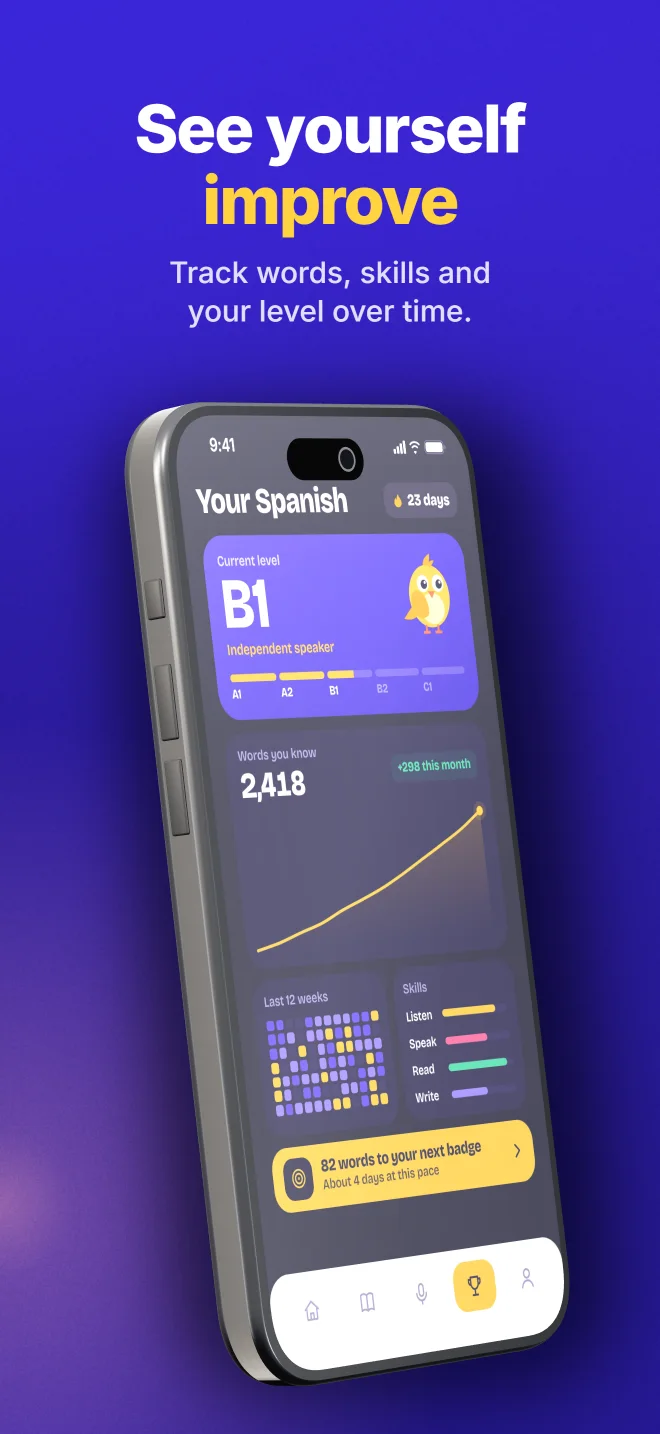
Next app, next look
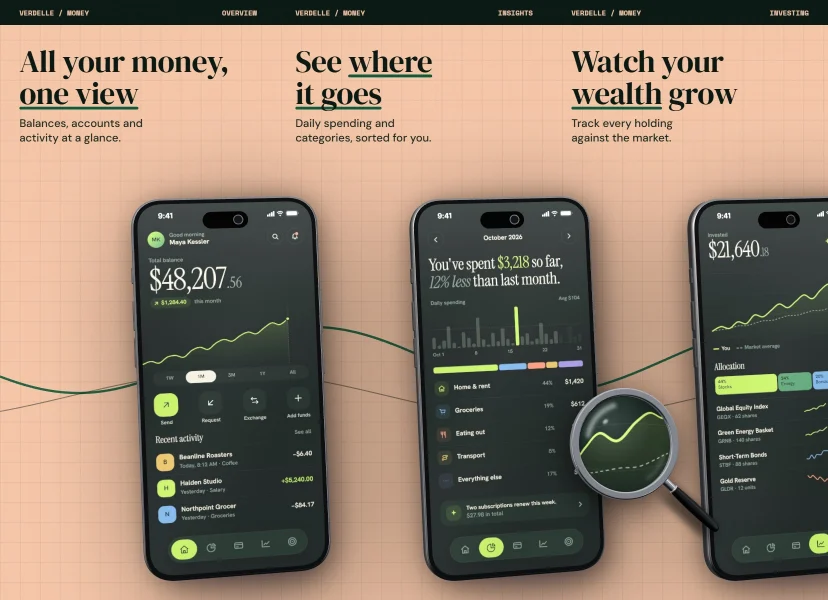
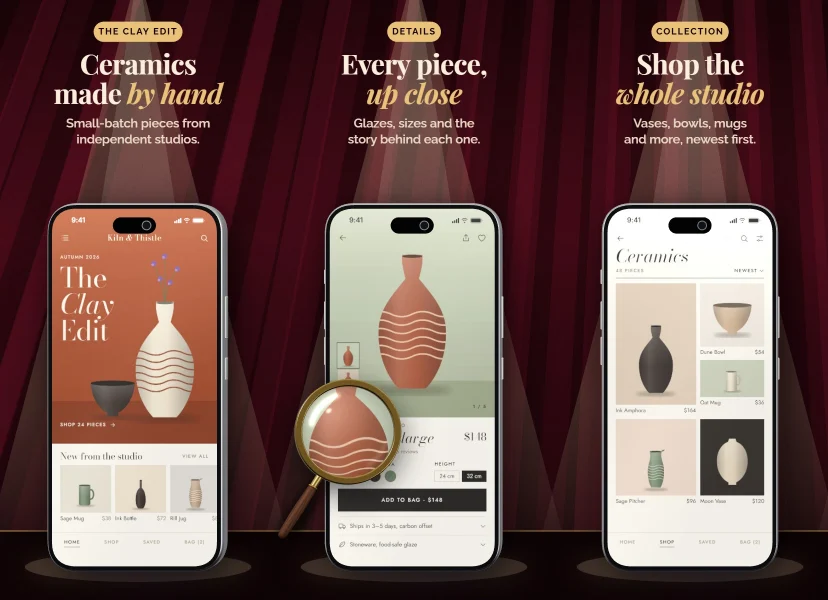
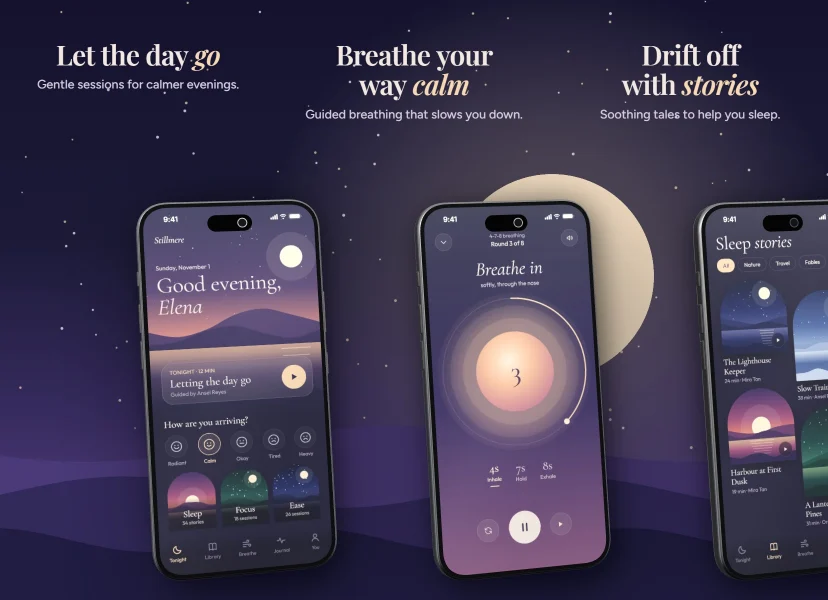
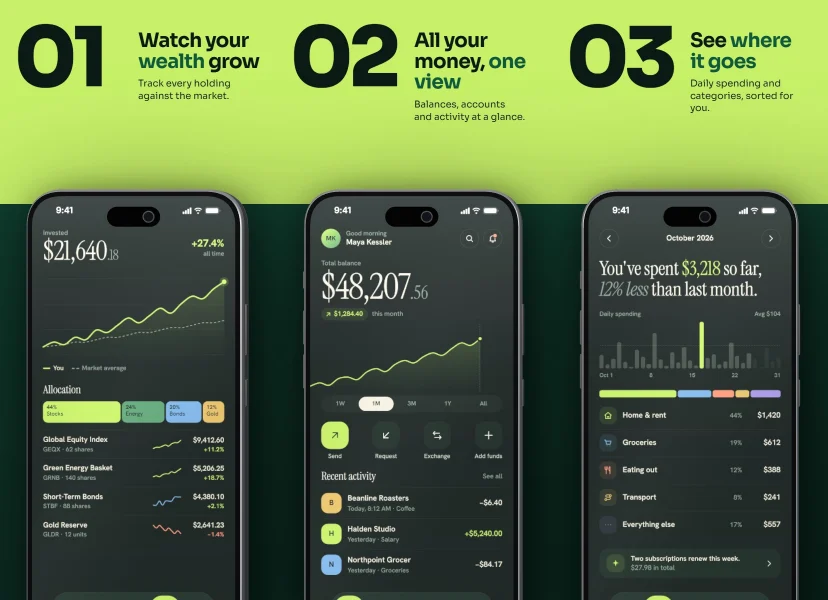
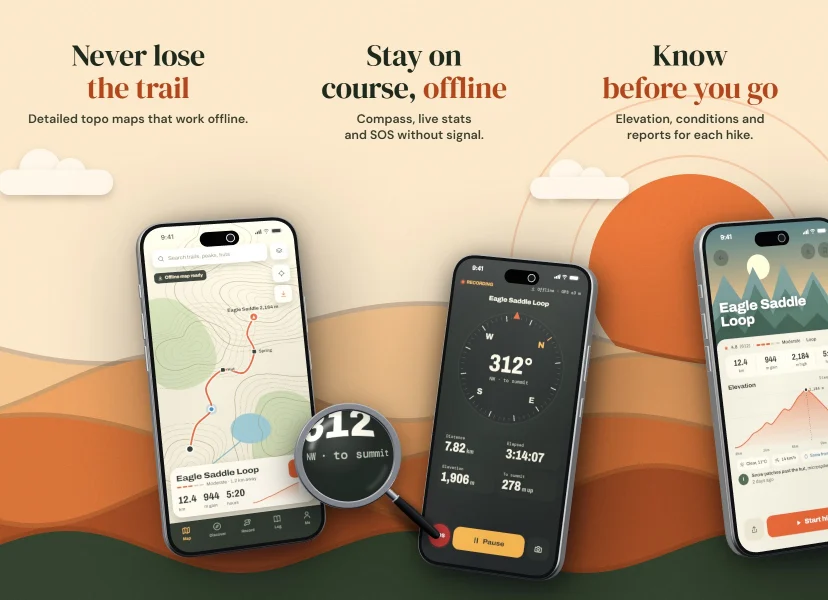
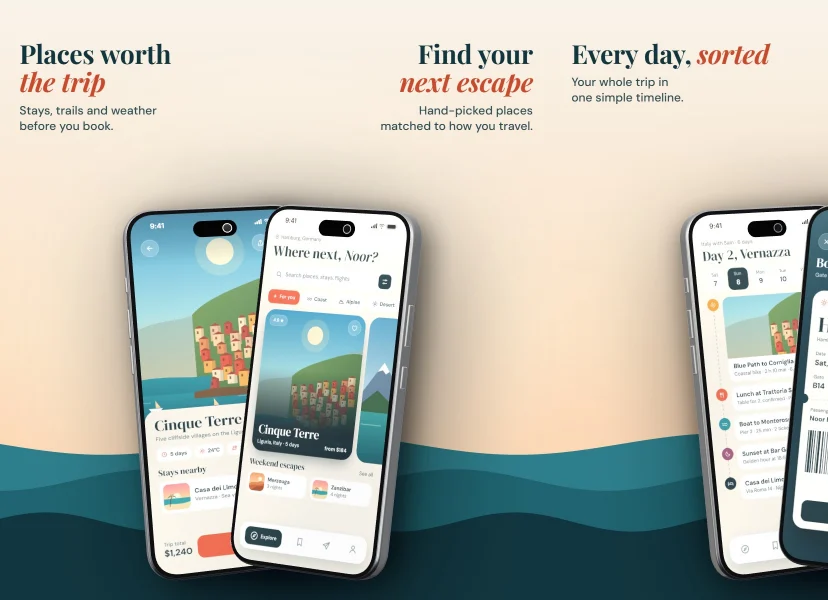
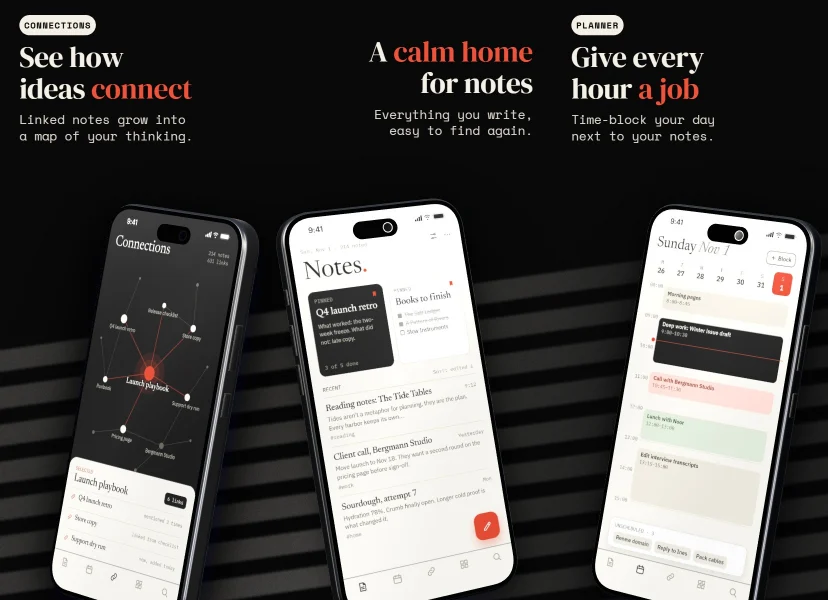
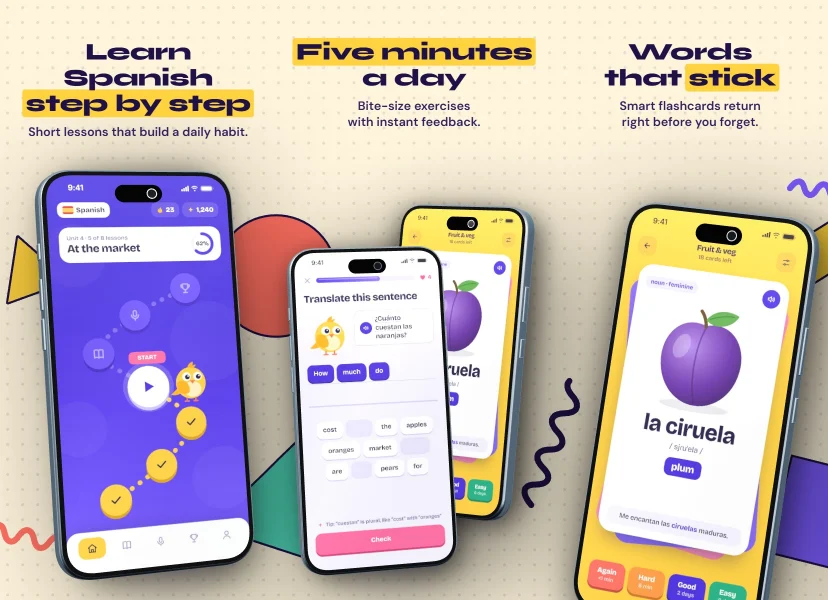
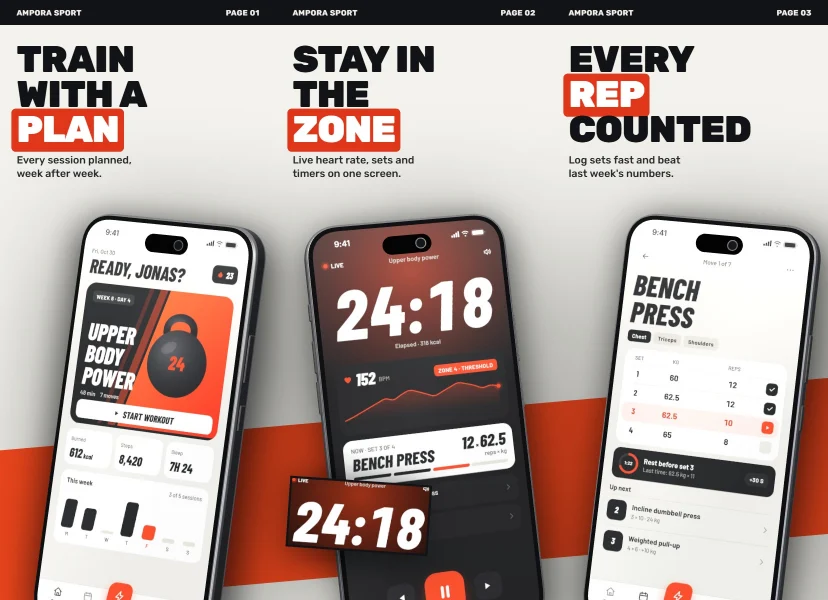
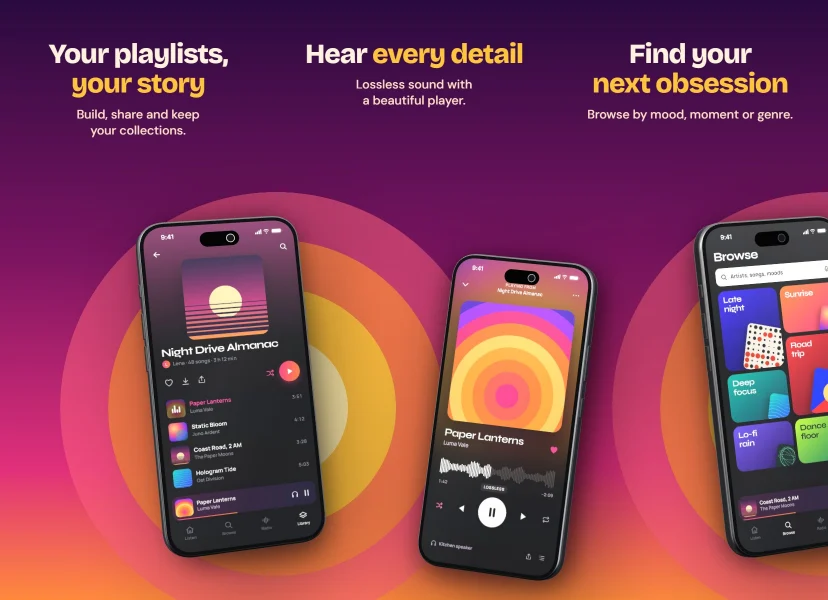
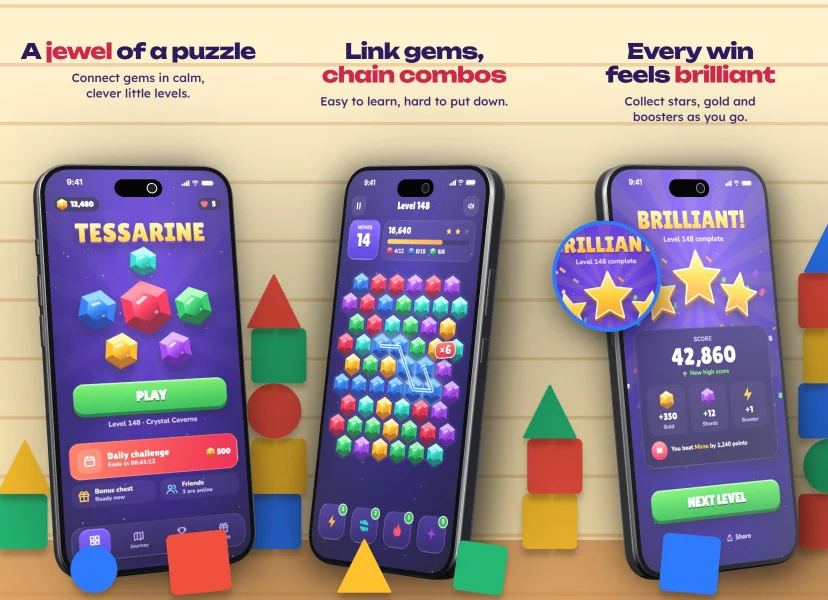
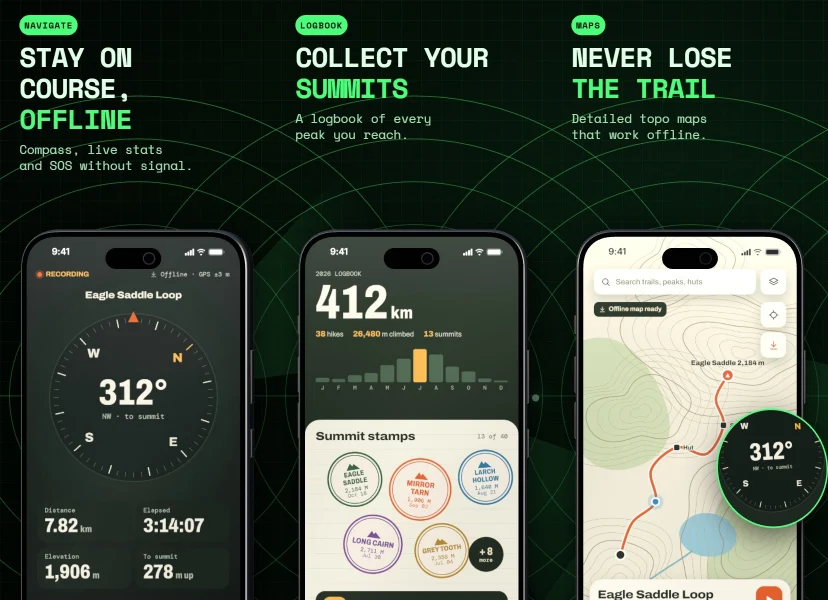
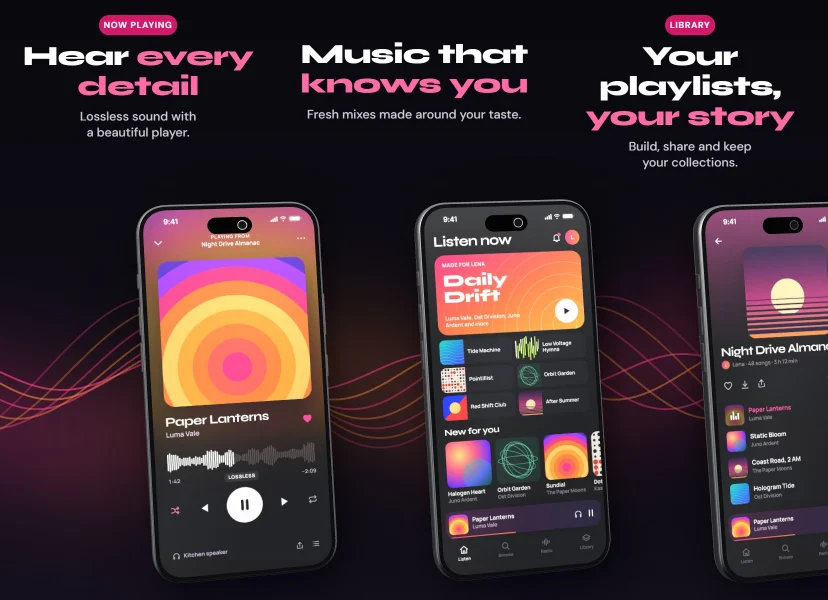
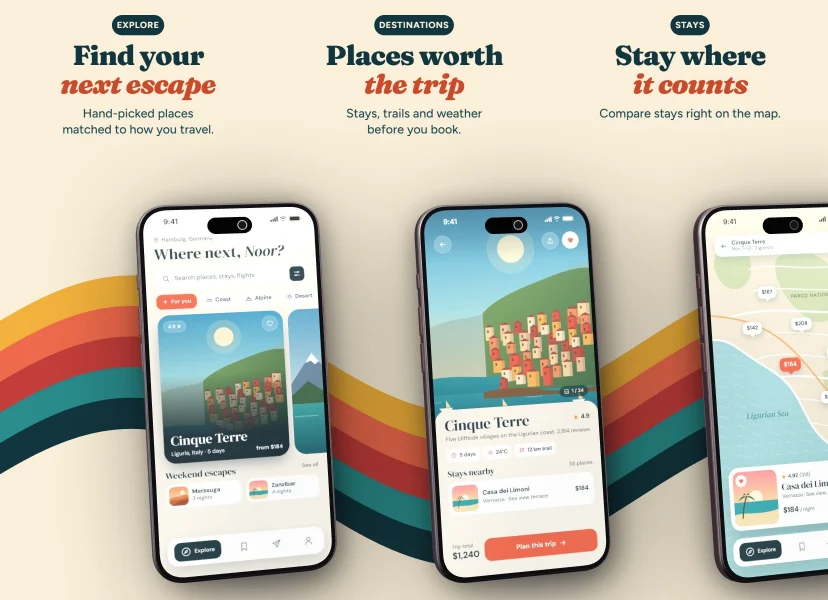
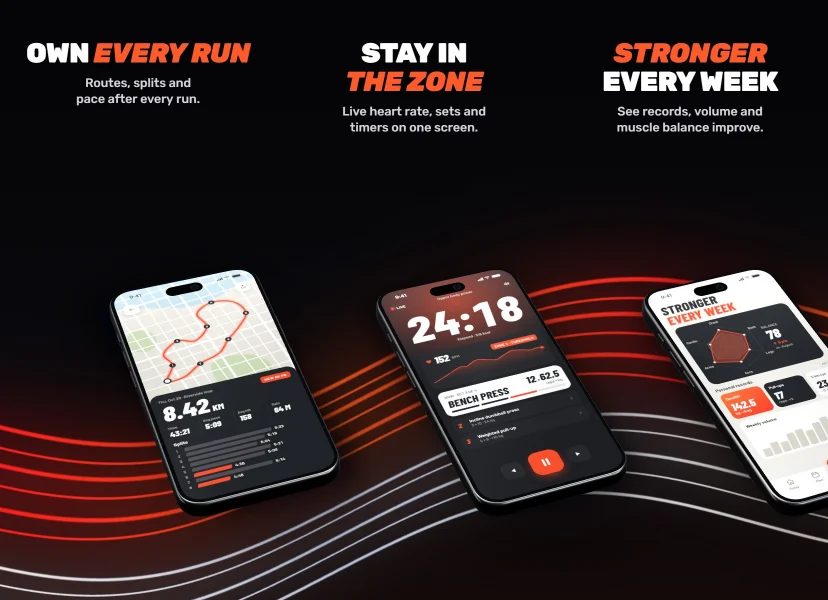
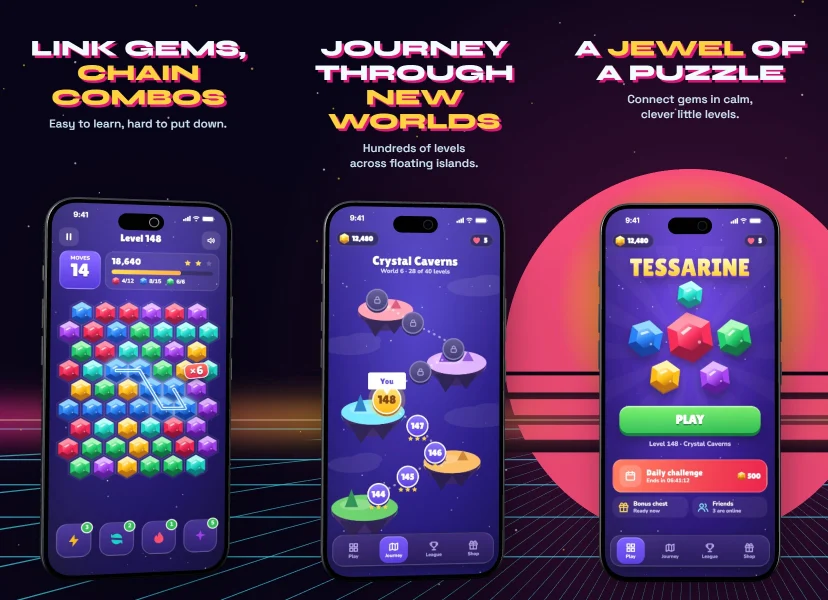
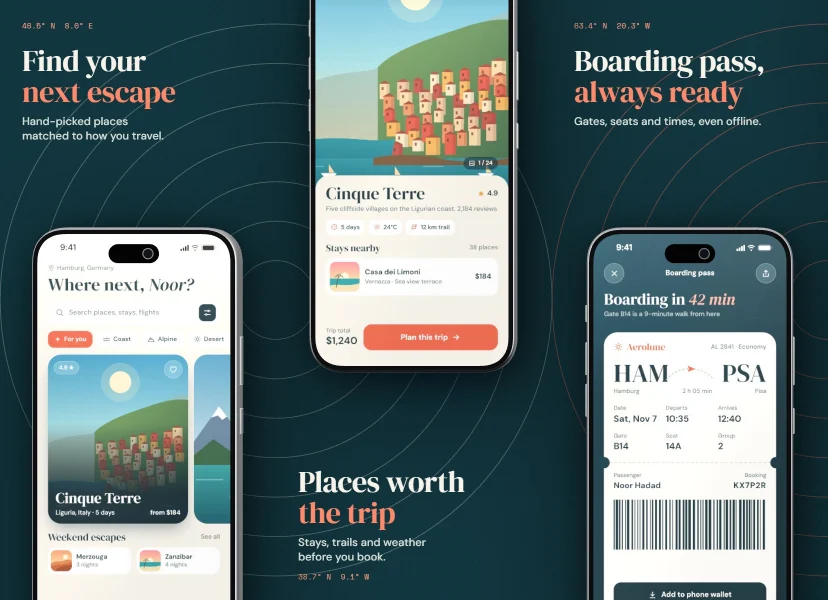
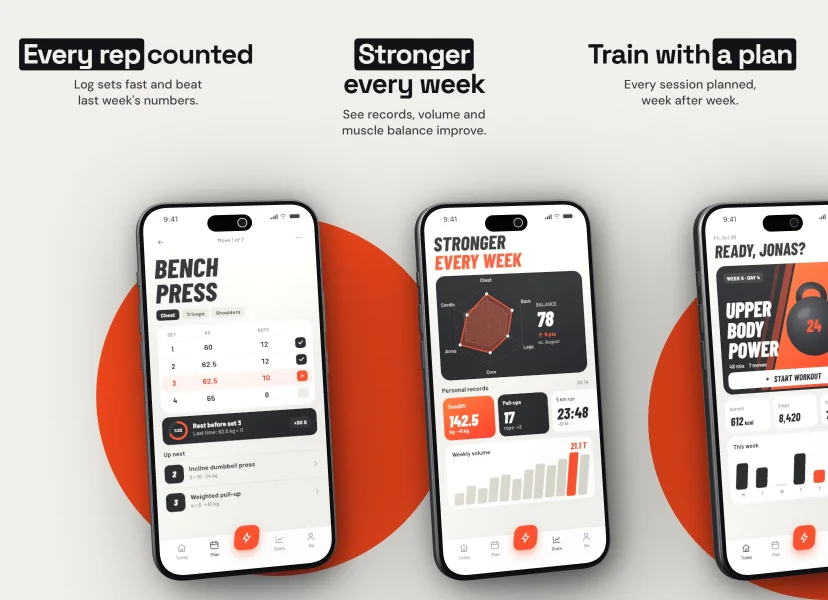
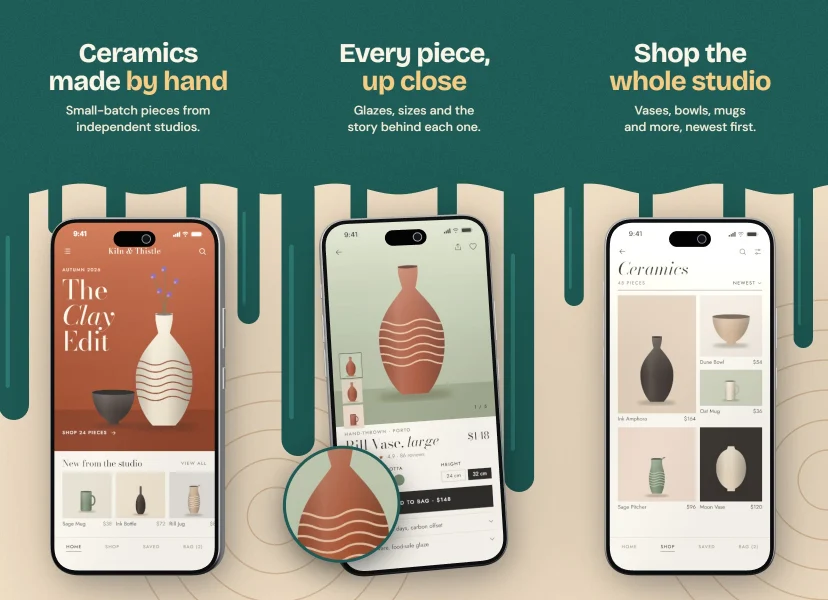
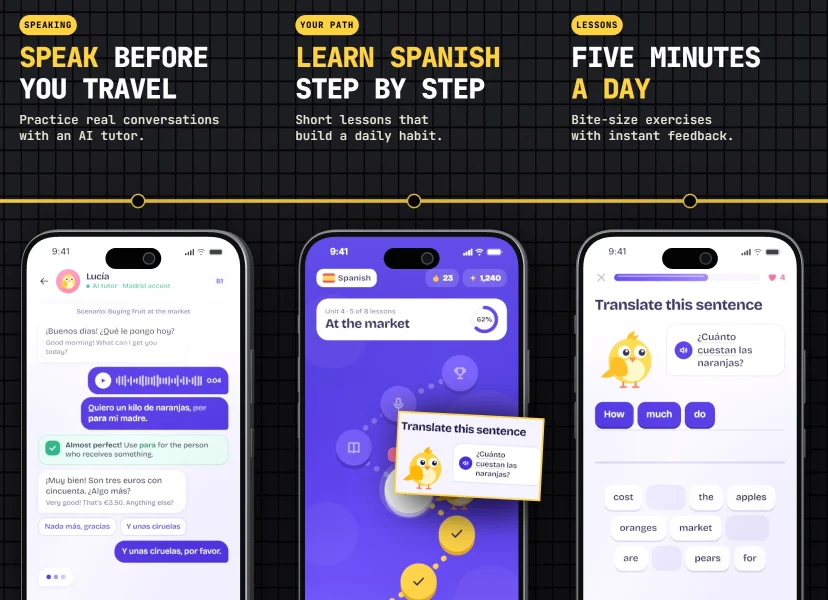
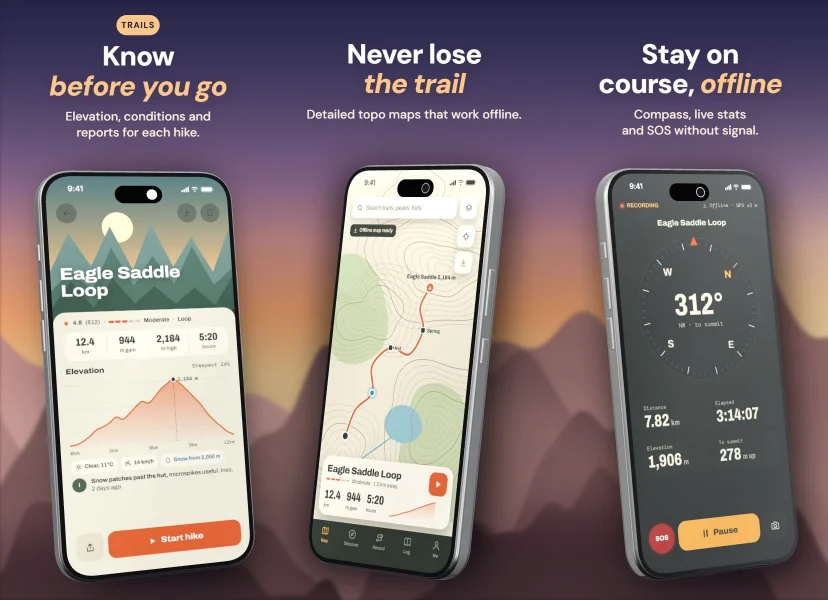
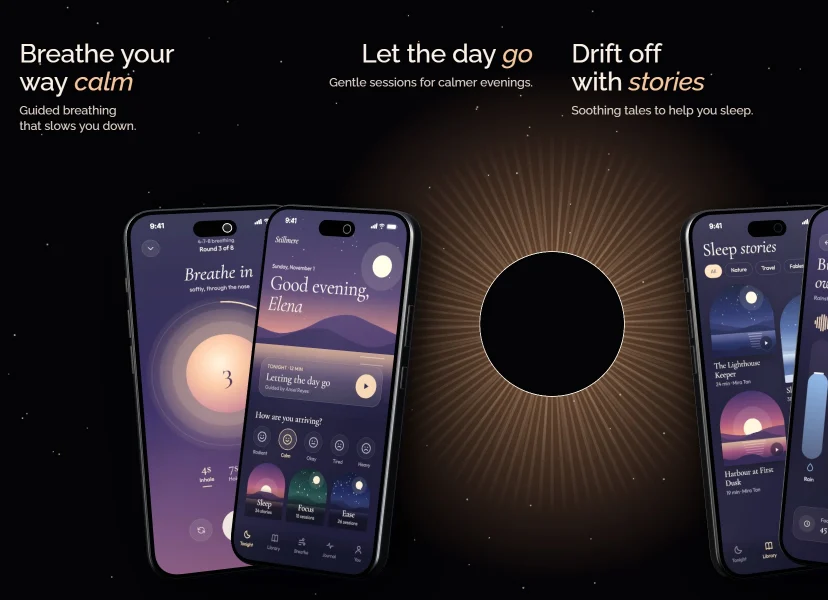
Same phones. Different world.
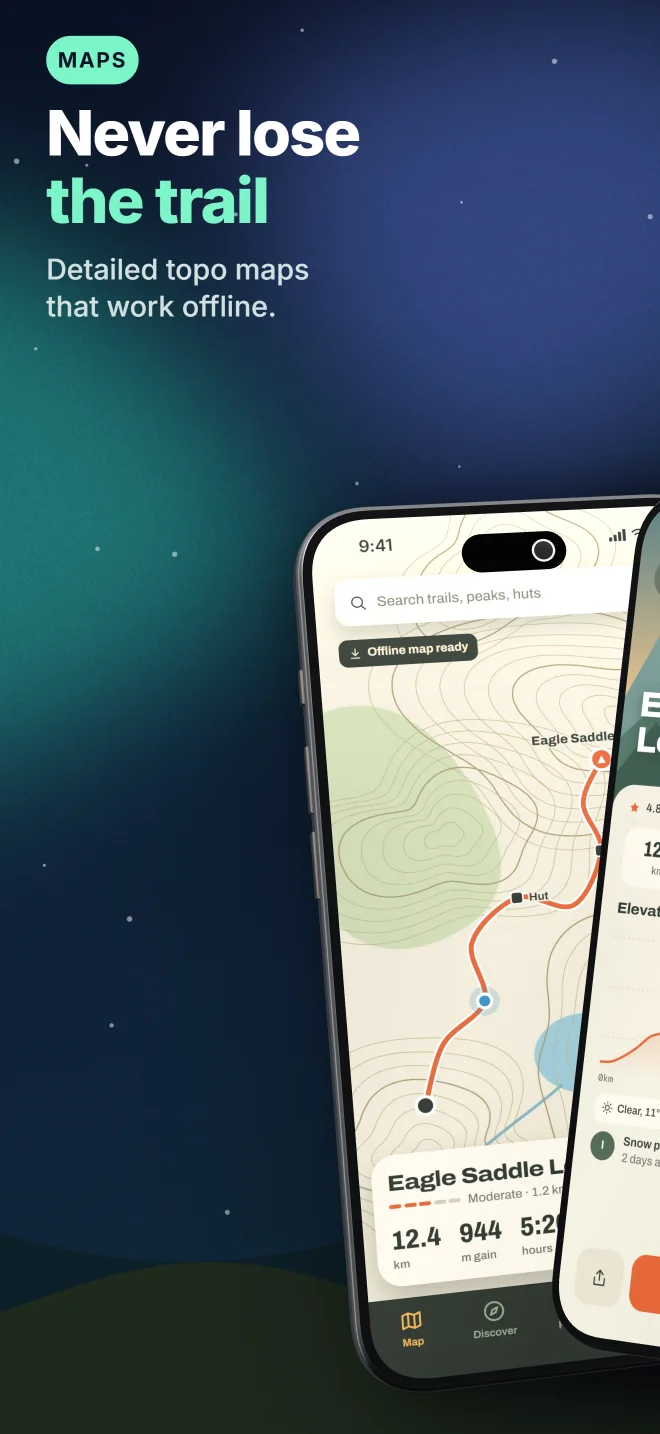
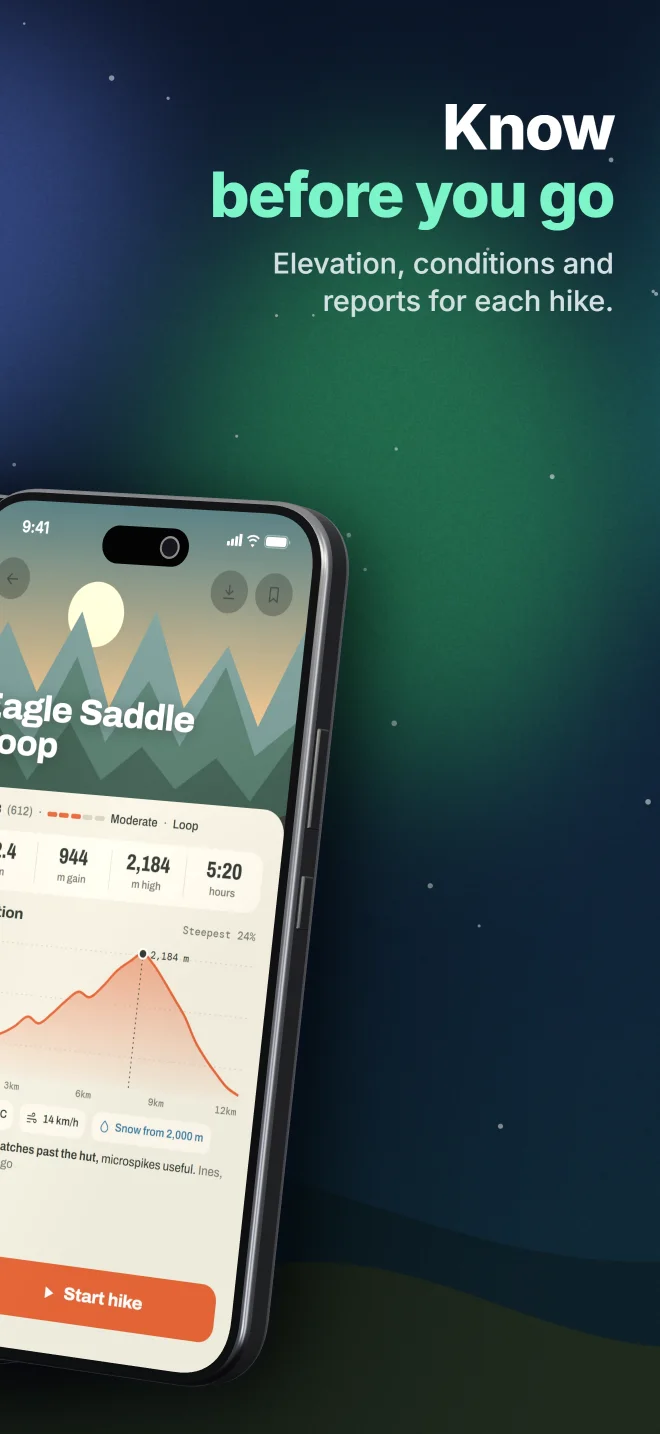
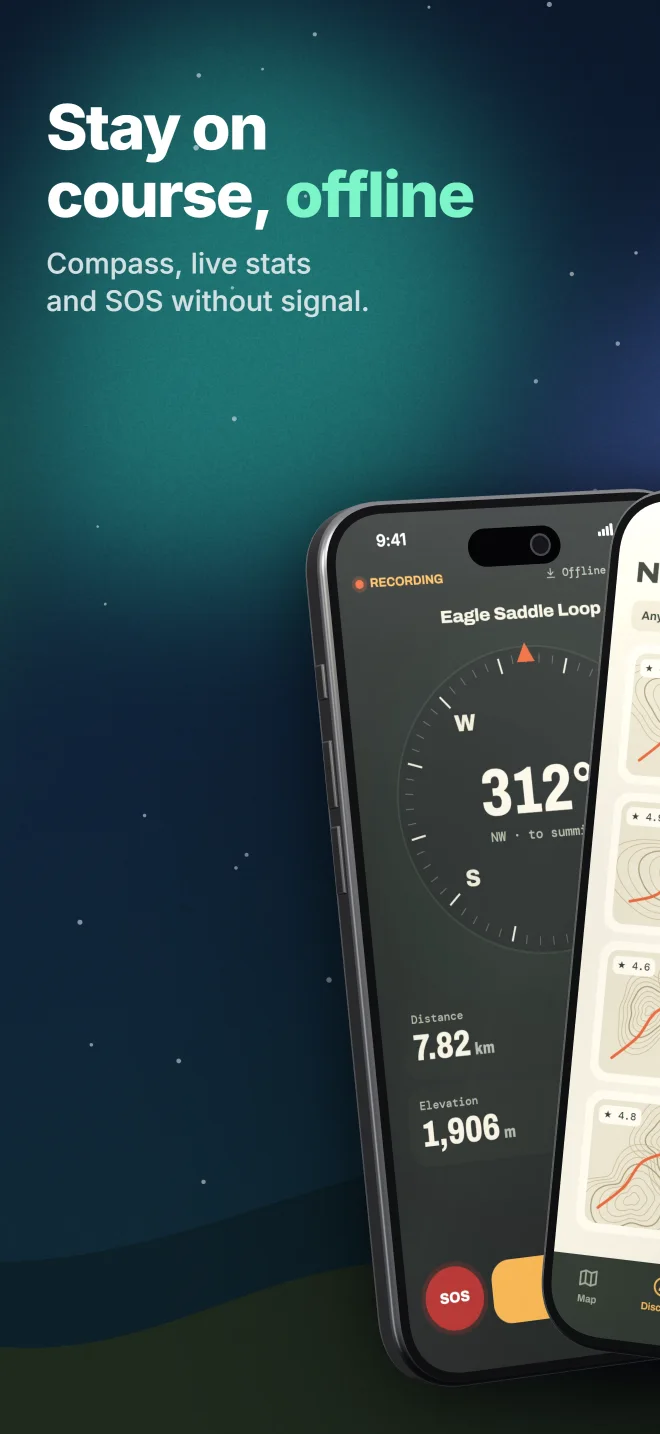
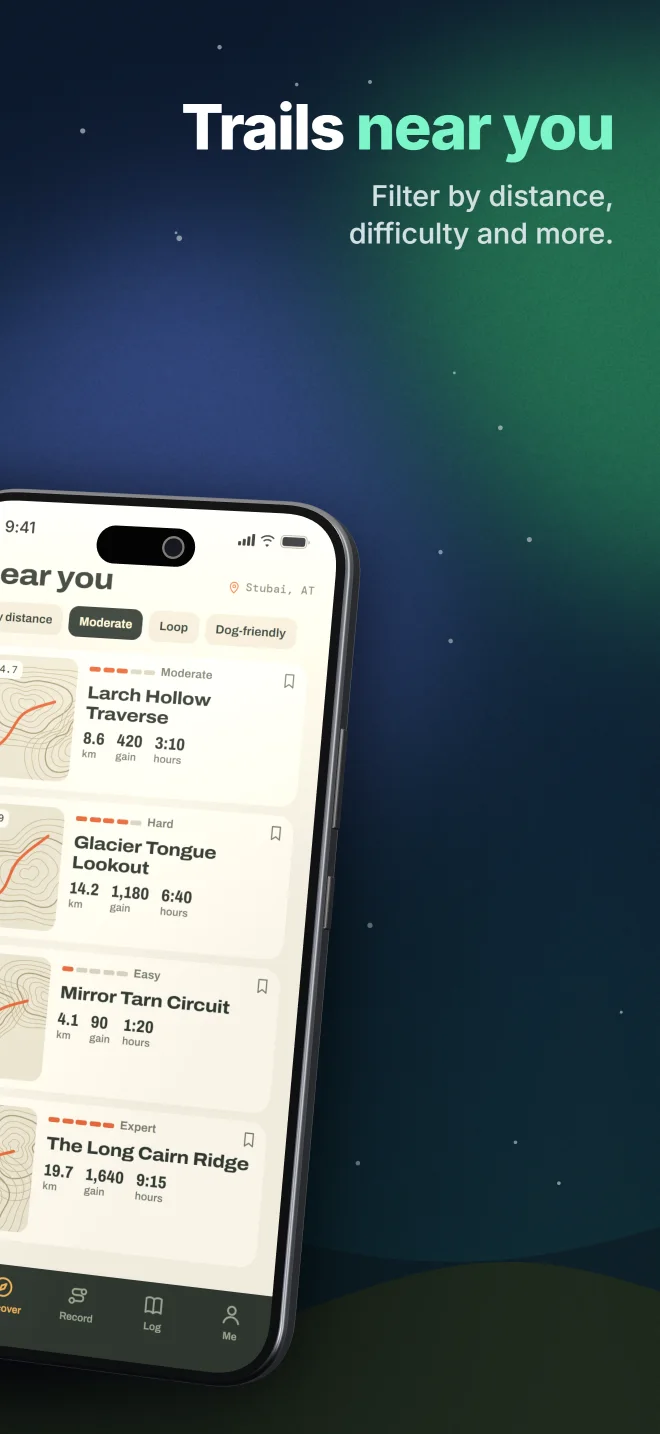
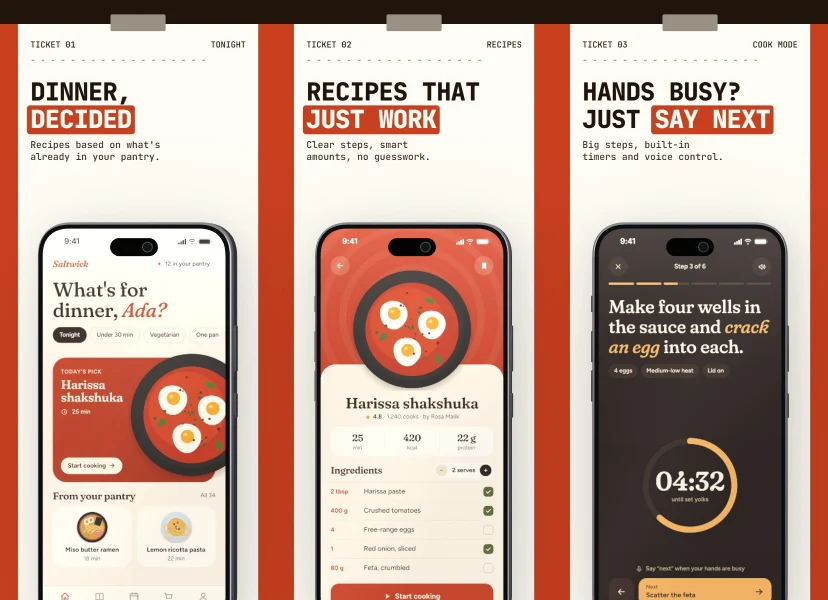
01 / 10 Retro Sun template →
store sizes, from a 4.7" iPhone to the Google Play feature graphic. Each outline below is one of them, to scale.
phones built as real 3D geometry, measured in millimetres. The newest: iPhone 18 Pro and the folding iPhone Duo.
complete, editable templates. Not layouts with grey boxes: finished store pages you take apart.
ZIP at the end, already sorted for App Store Connect and Play Console.
The 3D stage
Every device is real geometry with brushed metal, glass and light. Pick any angle with the mouse, let it cross a seam, drop a shadow behind it. The iPhone Duo even folds.
Drag to turn · drop your own screenshot on it
Try it with your own screens
How it works
Start from a complete template or a blank canvas. Every template is fully editable, down to the last layer.
Drag your screenshots onto the canvas. They land on the phones in order, with the right crop and no distortion.
Choose your target sizes. StorePano reframes the layout for each one and packs them into one ZIP, sorted by store and size.
Store Check
Google Play bans ranking claims, download prompts and prices in screenshots. Apple rejects prices and other platforms' names. StorePano checks your text, contrast and legibility while you work. Try it:
A taste of the check in the editor, which also looks at contrast, text area, search legibility, placeholders and alt texts. It helps you spot common problems. The final decision stays with Apple and Google.
Inside the editor

Preview your first three screens in a search result at true size, and find out whether your headline is still readable there.

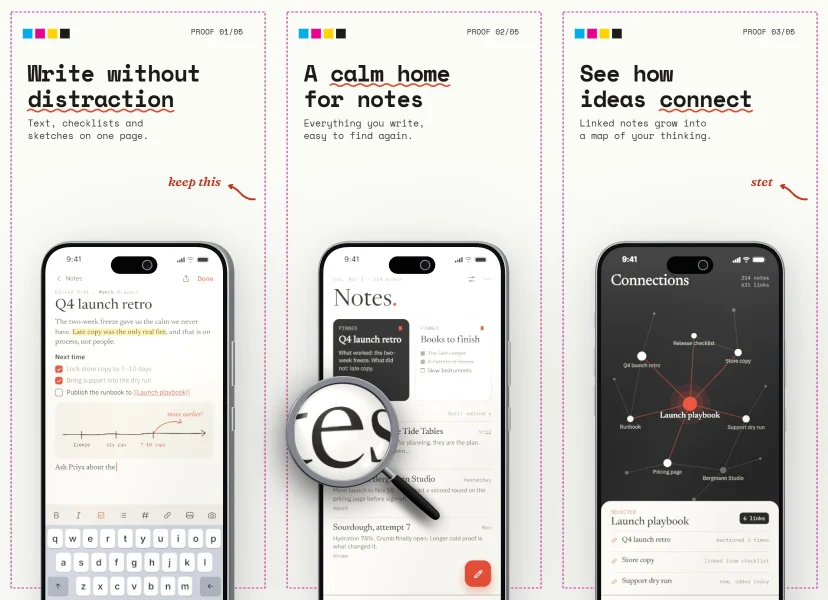
Pull any part of a screen out as a floating card, bubble or a realistic 3D loupe.

Design once. Layouts reframe for each phone, tablet and Android format, and a preview shows the result before you export.

26 fonts, accent words, marker highlights, outlines and shadows. Editor and export match to the pixel.

Mesh gradients, ribbons, waves and organic blobs run across seams, so your screens read as one story.
Templates
103 complete projects with fictional demo apps. Swap in your own screens and you're close to done.
Browse all 103 Emerald Ticker
 Ben-Day Pop
 Ringside
 Swiss Red
 Little Explorers
 Sticker Sheet
 Polar Night
 Travel Poster
 Lime Poster
 Citrus Sprint
 Neon Diner
 Big Yellow
 Topo Lines
 Sticky Wall
Made with StorePano
The editor runs in your browser. Your screens and projects are stored on your device, and we never see them, unless you choose to offer a design for our showcase.
Pricing
0
Try every tool before you decide. No card, no account.
One payment, 30 days. It doesn't renew.
For anyone who keeps shipping
/month
billed once a year.
Free works today. Checkout for Pass and Pro opens soon.
FAQ
No. Open the editor and start. There is nothing to sign up for.
In your browser on this device. Your screens are not uploaded. That also means clearing your browser data deletes them, so download a project file as a backup for anything you care about.
All 55 sizes we track from Apple's and Google's specifications: iPhone including iPhone Duo's outer and inner display, iPad, Android phones and tablets, Chromebook, and the Google Play feature graphic.
iPhone 18 Pro, 18 Pro Max and the folding iPhone Duo are in, next to iPhone 17, Pixel 10 and Galaxy S25. New devices arrive for everyone with the free editor; exporting all sizes needs a Pass or Pro.
Store Check flags common problems such as prices, ranking claims and low contrast, but it can't promise anything. Apple and Google make the final decision.
Same features. The Pass is one payment for 30 days and never renews, which suits a single launch. Pro runs for a year and is billed once a year; if you ship every couple of months, it comes out cheaper.
Nothing is deleted or locked. You can keep editing and exporting your main size with a small mark, and your projects stay in your browser.
Yes, with Pass or Pro. What you create is yours, and there's no separate agency tier. The fonts are open source, and the demo screens in templates are fictional and meant to be replaced with your own.
A desktop or laptop with a current browser and WebGL, which nearly every modern computer has. Phones are too small to work on comfortably, so we show a notice there.
Only if you say yes in the cookie banner, and then we see visits and which functions get used, never your images or texts. Details are in the privacy policy. Questions or feedback? Write to david@breuer-apps.com.